
If you are a business owner registered under MSME, it is very important to keep your registration details accurate and updated. Many entrepreneurs get confused between Udyam Update, Udyam Cancellation, Udyog Aadhar Update, and Udyog Aadhar Renewal. Some think they need to cancel MSME when only a modification is required, while others continue with wrong details that may cause issues in loans, tenders, and subsidies.
So the big question is:
In this guide, we will clearly explain:
Let’s start with the basics.
Earlier, MSME registration was done through Udyog Aadhaar (UAM). Later, the government introduced Udyam Registration, which is now the only valid MSME registration system.
If you still have Udyog Aadhaar, you must migrate through udyog aadhar to Udyam conversion. Udyog Aadhaar is no longer sufficient for availing MSME benefits.
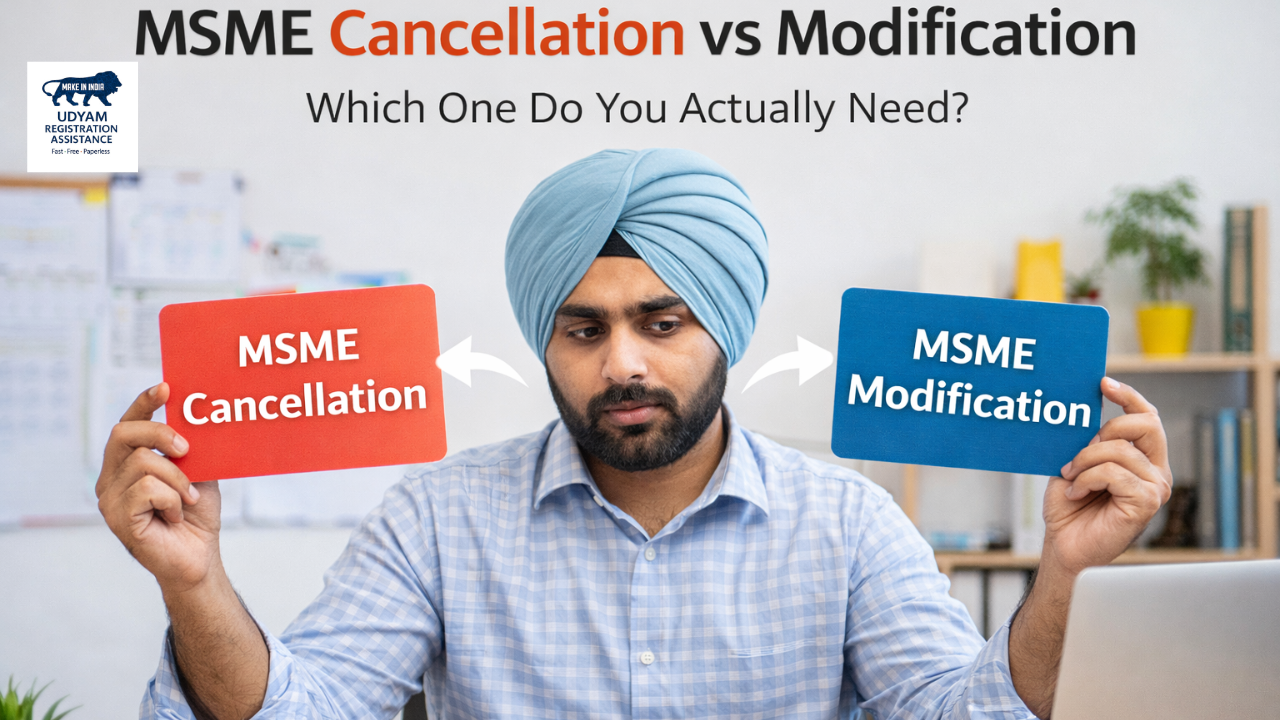
Udyam update means correcting or changing business details in your existing MSME registration certificate. This is also called MSME modification.
You should choose udyam certificate update if:
In such cases, you should NOT cancel MSME. You only need to update the certificate.
Udyam cancellation or deactivation means permanently closing your MSME registration. After cancellation, your business will no longer be treated as an MSME.
You should choose to update or deactivate carefully.
This process is also called change details or cancel MSME, depending on your situation.
|
Point |
MSME Modification (Udyam Update) |
MSME Cancellation |
|
Purpose |
Update details |
Close MSME registration |
|
When needed |
Business still active |
Business closed or duplicate |
|
Benefits |
Continue MSME benefits |
Benefits stopped |
|
Certificate |
Remains valid after update |
Becomes invalid |
|
Recommended |
Fodetailedil changes |
Only for closure |
👉 In most cases, modification is better than cancellation.
Many people search for Udyog Aadhaar renewal, but officially,y there is no renewal system for Udyog Aadhaar now.
Instead, the government requires:
If you still have UAM, you must do the Udyog Aadhar to Udyam migration to continue MSME benefits.
If you have Udyam registration, you can easily perform Udyog Aadhar update online through the Udyam portal after migration.
Steps include:
This is also known as the Update Udyog Aadhar or Udyam certificate update.
Technically, udyam certificate renewal is not required yearly. But:
So instead of renewal, you should perform udyam update whenever details change.
Ask yourself these questions:
Most business owners mistakenly choose cancellation when they only need modification.
An incorrect MSME status can cause:
That’s why it is better to update details instead of closing MSME unless truly required.
If you are unsure whether you need msme cancellation vs modification, you can take expert support.
Trusted platforms like msme help businesses with:
Using professional help reduces rejection and saves time.
Avoiding these mistakes keeps your MSME benefits active.
This simple decision protects your eligibility for government schemes.
Many businesses lose valuable benefits because they cancel MSME instead of updating the details. If your business is active, always choose Udyam Update, Udyam Certificate Update, or Udyog Aadhar Update online instead of deactivation.
If you need expert help with:
You can get professional assistance from msme and avoid costly mistakes while keeping your business compliant and eligible for benefits.
Make the right choice today — update where needed, cancel only when necessary.
Modification updates business details, while cancellation permanently closes MSME registration. Source: Government guidance on updating MSME details vs cancellation (Udyam portal policies). (Udyog Register)
Yes, you should always choose udyam certificate update instead of cancellation if the business is active. Source: Udyam certificate update options online. (Udyog Register)
No, Udyog Aadhaar renewal is not required. Migration to Udyam is required. Source: Udyog Aadhaar replaced by Udyam registration by the government. (Udyog Register)
First convert to Udyam, then update details through the Udyam portal using OTP login. Source: Udyam re-registration and update steps online. (Udyam Registration)
Only after migration to Udyam; otherwise, Udyog Aadhaar alone is not sufficient. Source: Udyog Aadhaar replaced by Udyam; UAM holders must migrate. (Udyam Registration)
You can ccompletethe Udyog Aadhar to Udyam process on the official Udyam portal. Source: Udyam re-registration and update information. (Udyam Registration)
No, once cancelled, you must apply for a new Udyam registration. Source: Cancel Udyam registration effects. (Udyog Register)
Update if business is active; deactivate only if business is closed permanently. Source: Update vs cancellation guidance for MSME. (Udyam)
Address, bank, activity, turnover, investment, contact and ownership details. Source: Udyam details update description. (Udyog Register)
No, business changes require modification, not cancellation. Source: MSME/Udyam update FAQs. (Udyog Register)
No yearly renewal, but details must be updated when changed. Source: Udyam registration validity and update necessity. (Udyam Registration)
No, duplicate MSME registration may require the cancellation of one. Source: The Udyam portal does not allow multiple registrations per PAN. (Udyam Registration)
You may lose benefits, loans, and tender eligibility. Source: FAQ about consequences of not updating Udyam details. (Udyog Register)
The government portal is free, but service providers may charge for assistance. Source: Udyam portal processes are free; agents may charge separately. (Udyam Registration)
Yes, Udyam cancellation can be requested through the official portal. Source: Cancel Udyam registration online confirmation. (msme.llc)
It means updating old MSME data after migrating to the Udyam system. Source: Migrating Udyog Aadhaar to Udyam and updating details. (Udyam Registration)
No, simply update turnover details through Udyam modification. Source: Re-registration/update due to changed turnover. (Udyam Registration)
Yes, ownership and partner details can be modified. Source: Udyam profile update options, including contact and similar fields. (Udyog Register)
If the business requires GST legally, then GST details must be updated. Source: Udyam re-registration requires accurate linkage of GST and PAN. (Udyam Registration)
An update is always safer unless the business is permanently closed. Source: Effects of MSME cancellations and recommendations to update active profiles. (Udyam)
We value your feedback! Help others by leaving a quick Google review.
Write a Review on Google