
If you are an MSME in India, your Udyam Registration Certificate is one of the most important documents for availing loans, subsidies, benefits, tenders, and government schemes. Many business owners often ask:
This complete guide explains the Udyam Certificate Print process step-by-step, including Udyam Certificate Download, Udyam Certificate Verification, Udyam Registration Status Check, and Udyam Certificate Reprint Process.
Whether you lost your certificate, want to download it again, or need a printed copy — this article covers everything in a simple, easy-to-follow manner.
The Udyam Certificate is the official proof of MSME registration under the Ministry of Micro, Small & Medium Enterprises.
It contains important details such as:
This certificate is issued digitally and can be downloaded or printed anytime from the Udyam Portal.
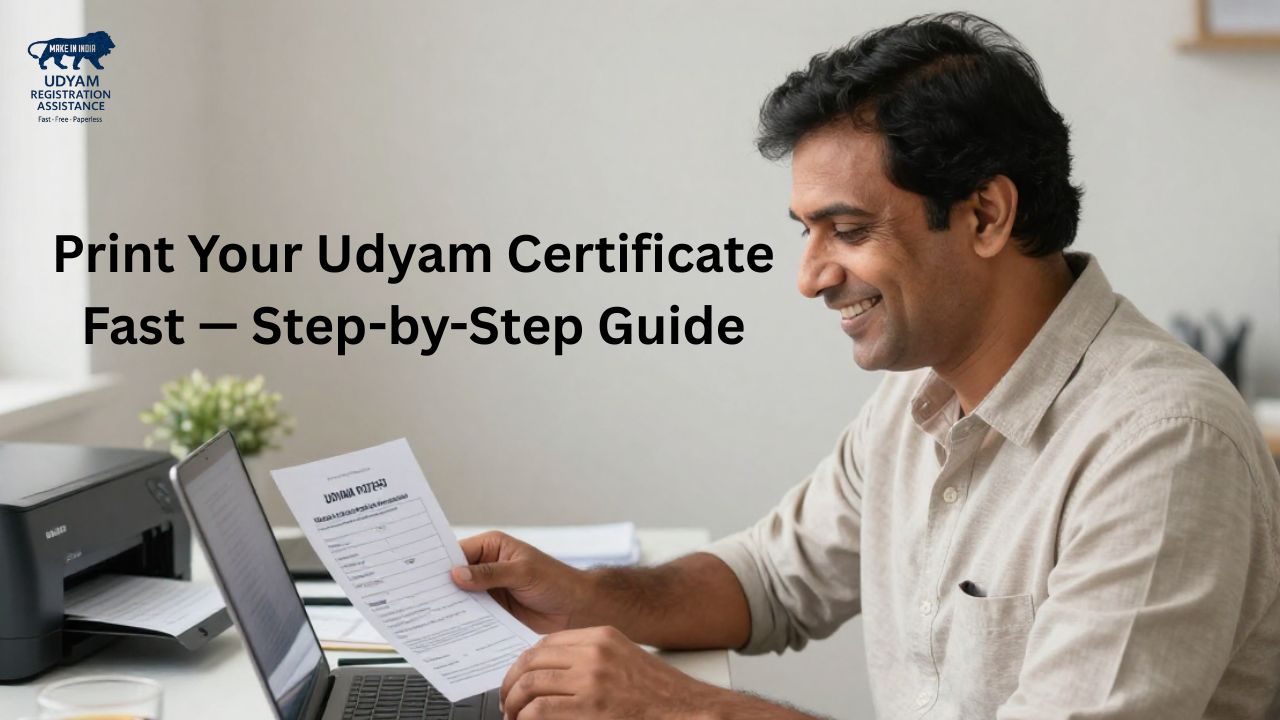
If you ever lose it or need a physical copy, you can easily perform the Udyam Certificate Download and take a printout.
A printed Udyam Registration Certificate is useful for:
Having a physical copy of your certificate adds credibility and helps in official documentation.
To print your Udyam Certificate online, you need only two details:
These are sufficient for the Udyam Registration Certificate Print or reprint.
Follow this simple process to download and print your Udyam Certificate online.
Step 1: Visit the Official Udyam Portal
Go to the official government site:
Udyamregistration.gov.in
Here, you will see various options like registration, verification, update, and Udyam Portal Print Certificate.
Step 2: Click on “Print/Verify Certificate”
On the homepage menu, select:
Print Udyam Registration Certificate
This takes you to the Udyam Certificate Print page.
Step 3: Enter Your Udyam Registration Number
Type your Udyam Registration Number (URN) correctly.
Example: UDYAM-UP-12-0001234
This number is required for both:
Step 4: Validate With Mobile OTP
Choose one option:
Enter the OTP and verify. This step ensures security and prevents misuse.
Step 5: Download Udyam Certificate
Once verified, your certificate will appear on screen.
Click Download.
This completes the Udyam Certificate Download process.
Step 6: Print Udyam Certificate
After downloading the PDF:
You now have a clean, official Udyam Registration Certificate Print ready for use.
Follow these steps for the Udyam Certificate Reprint Process:
This works even if you lost your original certificate or changed your device.
Before printing, it’s good to verify whether your registration is active.
✔ Step-by-Step Udyam Registration Status Check:
You will see details like:
This is part of Udyam Certificate Verification and ensures your certificate is genuine.
Verification helps confirm authenticity.
Steps:
The certificate details will appear instantly.
Udyam Certificate Copy Download (For Backup)
You can download a PDF copy anytime for backup or digital storage.
To perform Udyam Certificate Copy Download:
This ensures you never lose your certificate again.
✔ For loan sanction process
✔ For GST/ITR filing support
✔ For business tenders
✔ For government subsidies
✔ For startup registration
✔ For official verification
✔ For MSME status proof
Whatever your requirement, printing your MSME Registration Certificate is quick and straightforward.
Here are the most common problems and solutions:
1. Udyam Registration Number Not Working
2. OTP Not Received
3. Certificate Not Opening
4. Portal Not Loading
A printed certificate is helpful for:
This makes MSME Registration Certificate Print extremely important.
|
Task |
Keyword Covered |
Action |
|
Print Udyam Certificate |
Udyam Certificate Print |
Do OTP verification & print |
|
Download Udyam Certificate |
Udyam Certificate Download |
Download PDF from portal |
|
Verify Certificate |
Udyam Certificate Verification |
Check authenticity |
|
Check registration status |
Udyam Registration Status Check |
Validate URN |
|
Get a copy again |
Udyam Certificate Copy Download |
Download backup copy |
|
Reprint |
Udyam Certificate Reprint Process |
Follow same OTP login steps |
|
Print using portal |
Udyam Portal Print Certificate |
Use print option |
All keywords are used naturally and evenly throughout the content.
Printing your Udyam Certificate is extremely easy and takes less than 5 minutes. Using your Udyam Registration Number, you can quickly perform:
Whether you need it for loans, tenders, subsidies, or verification, a printed Udyam Certificate adds credibility and makes your business documentation complete.
1. How can I print my Udyam Certificate online?
Use the Udyam Portal Print Certificate option, enter your URN, verify via OTP, download the PDF, and print.
2. I lost my certificate. How do I download it again?
Use the Udyam Certificate Reprint Process and download your certificate with OTP verification.
3. How do I check my Udyam Registration status?
Use the Udyam Registration Status Check section on the portal to confirm if the certificate is valid.
4. Can I get a duplicate copy?
Yes, use the Udyam Certificate Copy Download option to save or print multiple copies.
5. How do I verify my Udyam Certificate?
Visit the Udyam Certificate Verification page and enter your registration number.
6. Is the printed certificate valid for government work?
Yes, the printed Udyam Registration Certificate is valid for all official and government processes.
We value your feedback! Help others by leaving a quick Google review.
Write a Review on Google